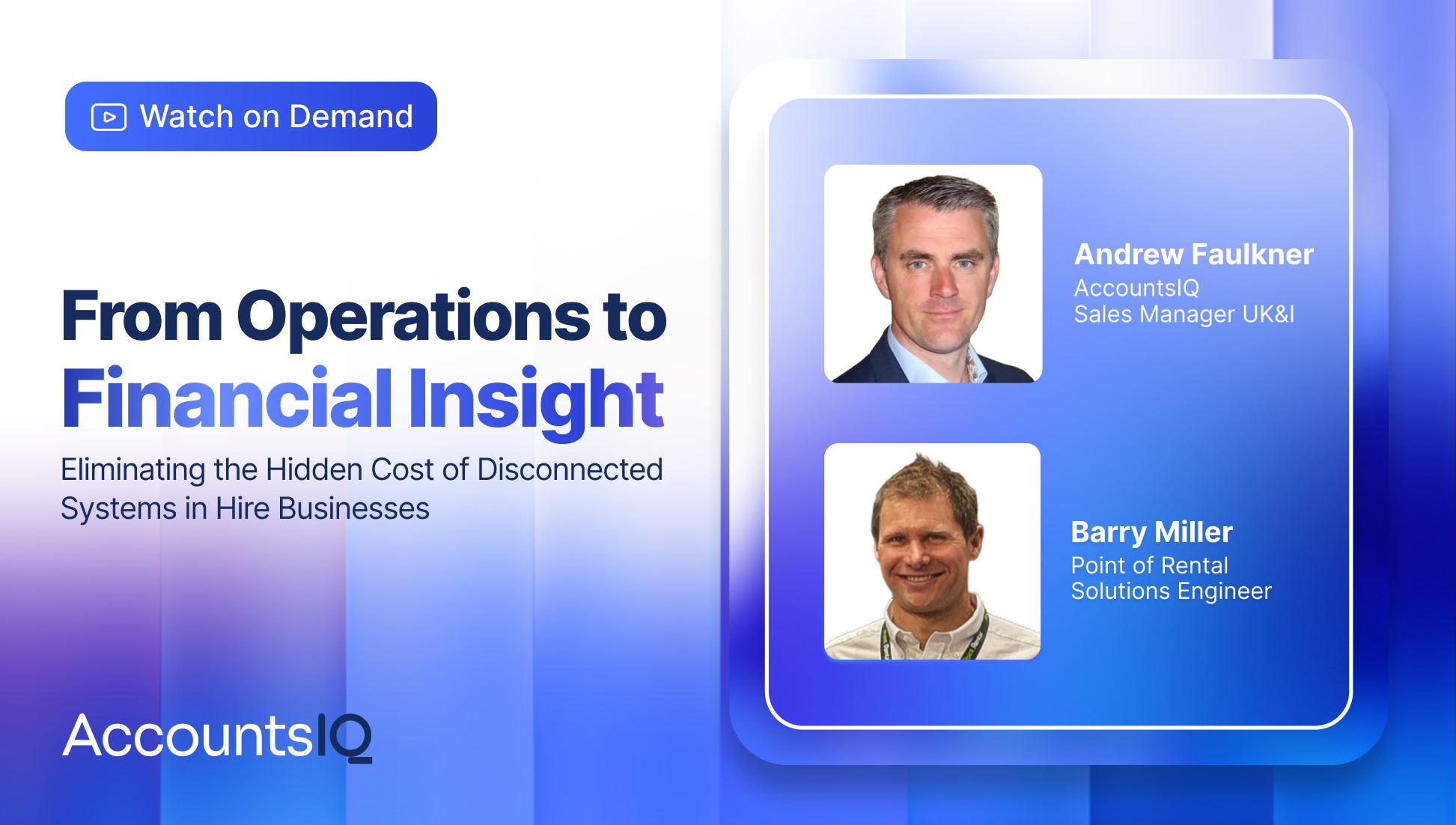
Hire businesses generate a lot of financial and operational data, but that data often lives in two separate places: the rental system running day-to-day operations and the finance system tracking the money. Point of Rental and AccountsIQ hosted a joint webinar to walk through what happens when those two systems are connected, using AccountsIQ’s integration with Point of Rental’s Syrinx platform.
Krissie Chapleo, partner manager at AccountsIQ, hosted the session. Andrew Faulkner, AccountsIQ’s sales manager for the UK and Ireland, led a live platform demo, and Barry Miller, a solutions engineer at Point of Rental, covered how the integration works from the Syrinx side.
The Hidden Cost of Disconnected Systems
Faulkner said disconnected systems are one of the most common pain points he sees in his role, particularly for hire businesses that operate across multiple branches, whether those branches sit under one legal entity or were added through acquisitions as separate entities.
When data has to be manually re-entered between a rental system and a finance system, that introduces risk in a few different ways. A single team member often owns that process, so a holiday or absence can delay it. Manual entry also opens the door to miscoding as people get distracted, and that inaccuracy flows straight into financial reporting.
That inconsistency shows up in month-end close as well. Faulkner described a common pattern: one month a business closes its books in 10 days, the next month in seven, and the month after that it slips to three weeks. The problem isn’t necessarily speed. It’s that leadership can’t rely on a consistent, repeatable process.
Credit control is another area where disconnected systems create real cost. Hire businesses need to know when to put an overdue account on hold, and that decision needs to reach every branch so no one keeps doing business with an account that should be paused. Ad hoc reporting requests add to the burden, too. Faulkner used the example of an area manager asking for a report across three specific branches: without a connected system, that usually means exporting a trial balance, rebuilding it in a spreadsheet, and then repeating the whole process again next week.
What Changes When Point of Rental and AccountsIQ Are Connected
Once Syrinx is connected to AccountsIQ, sales and purchase data can sync automatically at the end of each day, so finance teams see current data first thing the following morning. More frequent syncing during the day is also available.
From there, reporting becomes live and can be segmented however the business needs, whether that’s by branch, depot, fleet, customer type, geography, or equipment grouping. Dashboards and reports can also be scoped to the right audience. A branch manager, for example, can log in and see only their branch’s performance alongside how it compares to others.
For businesses with multiple legal entities, a one-click consolidation can roll up both general ledger detail and the underlying analysis detail across multiple entities. Businesses that are a single legal entity with multiple branches can still bring those branches into the analysis structure to run a combined view or compare branches side by side.
Credit control can work in both directions, too. When an overdue account is put on hold in AccountsIQ, that hold status can flow back into Syrinx, helping prevent branches from inadvertently continuing to do business with a customer whose account has been paused. Together, these changes can contribute to a faster, more consistent month-end close.
Faulkner ran a live demo covering the core modules of AccountsIQ.
- Homepage and insight tiles: A personalized homepage shows role-based activity tiles (invoices ready to post, open purchase orders, intercompany balances) and insight tiles (creditor and debtor days, accruals, aging, overdue approvals).
- Sales: Customers sync between Syrinx and AccountsIQ in either direction. Invoices created in Syrinx flow into AccountsIQ automatically for payment allocation, and finance teams can filter customers by outstanding or overdue balances and bulk email statements in a few clicks.
- Purchases: Supplier records sync the same way, and invoices from Syrinx arrive already approved. A bulk payment run calculates what’s due based on credit terms, supports partial payments, and generates a bank file along with automatic remittances. An AP inbox reads invoice details and begins coding invoices that don’t come through Syrinx, such as a premises lease or utility bill. Users can review and update the GL, analysis, and tax coding before the invoice is brought into the system, and route it through configurable, multi-step approvals based on GL code, analysis code, supplier, or value.
- Banking: Bank feeds connect through Plaid and refresh up to four times a day. A traffic-light system flags new transactions red until they’re coded, amber once the system starts suggesting a posting based on past coding, and green for transactions the system can recognize without further action, such as the amount from a completed bulk payment run appearing in the bank feed.
- General ledger: The GL Explorer screen shows the profit and loss statement, balance sheet, and trial balance, filterable by branch or other analysis tags, with drill-down to individual transactions. Journals support automation, including auto-reversing entries, recurring postings, and accruals that can watch for a specific supplier’s invoice to arrive before reversing. A transaction browser lets authorized users edit certain fields on posted transactions when the period is open, with a full audit trail, potentially avoiding the need for a correcting or reversing journal in those cases. An intercompany module posts recharges between entities and lets a user jump straight to the receiving entity’s screen to complete the transaction.
- Fixed assets: Businesses can set up asset classes with straight-line or reducing-balance depreciation, run automated month-end depreciation journals, and record detail like serial numbers, locations, and analysis tags (for example, tagging by equipment class). A disposal feature can create the disposal journal and, when an asset is sold, can also record the related bank receipt.
- Reporting and dashboards: Every screen is filterable, sortable, and exportable to CSV. AccountsIQ ships with roughly 250 standard reports and 13 standard dashboards covering sales, purchases, and the general ledger, and a reporting services team can build bespoke reports and dashboards, including incorporating non-financial KPI metrics, such as average hire duration, alongside financial data.
The Point of Rental Side of the Integration
Miller explained that from the Syrinx side, day-to-day work doesn’t change. Hire desks keep invoicing and purchasing in Syrinx exactly as they did before. AccountsIQ now handles pulling and pushing data between the two systems, so Syrinx’s older transfer tool is no longer needed.
Because data flows both ways, hire desks raising a contract can see current aged debt and unpaid invoices. This removes some of the guesswork around whether a customer has paid, because hold information from the finance system can be reflected in Syrinx. The feature is available on Syrinx’s newer 365 screens as well as Version 4, so it isn’t limited to one interface generation.
During the Q&A, Miller confirmed the connection between the two systems runs on an API that’s already built, so customers don’t need to develop the connection themselves. Their Point of Rental account manager can provide a quote and arrange setup.
Customer Examples From AccountsIQ
Faulkner shared two customer proof points from AccountsIQ’s own base. GP Bullhound operates 10 separate entities and reported well at the individual entity level on its previous platform, but struggled to quickly combine results across all 10. AccountsIQ’s one-click consolidation, which still allows drilling back down to individual transactions, was, in Faulkner’s words, «a big, big game changer» for the company’s group-wide reporting.
GTECH presented a different challenge: multiple systems running in multiple countries, which meant consolidation also had to account for multiple currencies. For GTECH, AccountsIQ handles foreign-currency retranslation so entities operating in currencies including GBP and USD can be consolidated for group reporting in GBP, with full control over that process.
Check Your Own Financial Health
Toward the end of the session, the panel introduced the AccountsIQ Financial Health Check, a short questionnaire that takes about two to four minutes to complete. It generates an overall health score and highlights where a business’s current financial processes may have blind spots or be losing time. Attendees accessed it by scanning a QR code shown during the presentation.
Frequently Asked Questions
Is the sales dashboard based on invoiced amounts or sales taken, and can revenue streams like sales, hire, and repairs be reported separately?
By default, AccountsIQ’s dashboards are built on invoiced data, though they can be adjusted. The platform ships with 13 standard dashboards covering sales, purchases, and the general ledger, and a reporting services team can build bespoke reports and dashboards, including surfacing non-financial KPIs. Separating revenue streams depends on how the chart of accounts and analysis structure are set up; aligning that structure is typically part of onboarding, and Faulkner said that process can take two to four weeks to work through and refine.
Can AccountsIQ maintain a stock list for a business that both hires and sells equipment?
No. AccountsIQ doesn’t hold stock directly, but it integrates with a number of dedicated stock systems, including some that run through EPOS till systems, so those stock transactions can still flow into the finance data.
Does the integration replace Syrinx’s existing transfer tool?
Yes. AccountsIQ now pulls and pushes data between the two systems automatically, so a separate Syrinx transfer tool is no longer needed.
Is this integration available on Syrinx Version 4, or only on 365 screens?
Both. The integration and the aged-debt visibility it provides are available on Version 4 as well as Syrinx’s newer 365 screens.
Is the connection between the two systems an API, and what does it take to set it up?
Yes. The API connection has already been built, so customers don’t need to develop it themselves. Their Point of Rental account manager can provide pricing and arrange setup.
Watch the Webinar
The full session, including the live AccountsIQ platform demo and audience Q&A, is available to watch after a short registration:
Watch the webinar recording.
Want to see what connecting Point of Rental and AccountsIQ could do for your hire business?
Book a demo or reach out to your account manager to get started.





 Turn Data Into Direction